 ×
×
 ×
×

Women in AI · Hands-on workshop
Build your own retro game
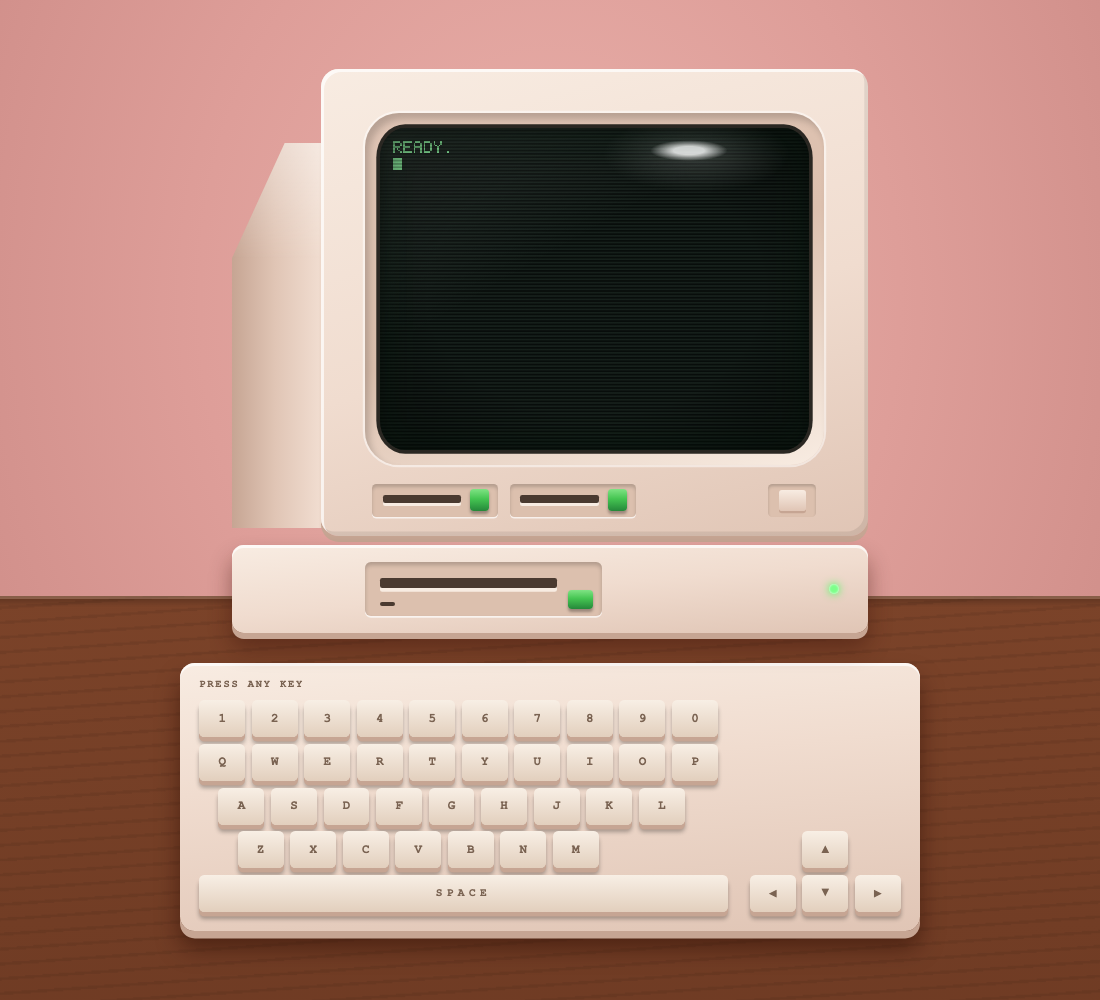
You get an old-school computer that's switched on, with nothing inside. In 30 minutes, you'll describe a game, and Droid will plan it, build it, test it, and pack it into one file you can send to anyone. No coding experience needed.
Open this page on your laptop: factory-ashley-jepson.github.io/retro-game
Get set up 5 minutes
Do these before we start if you can. Raise your hand if anything gets stuck.
-
Download the Factory app and sign in
Open it, then sign in or create a free account.
Not sure which Mac you have? Apple menu, then About This Mac. "Chip: Apple M..." means Apple chip.
-
Claim tonight's credits
Enter your name and email, and we'll email you a personal link to claim your credits. It arrives in about a minute.
Open the email, select Claim your credits, and sign in to the Factory app with the same account. No email after 2 minutes? Check spam, then ask a host.
-
Install the workshop kit
Start a new session in the Factory app, paste this in, and approve the steps Droid asks about. You'll see your empty computer when it's done.
Install the retro game workshop kit for me. Download https://github.com/factory-ashley-jepson/retro-game/archive/refs/heads/main.zip to a temporary folder and unzip it. Copy the game folder inside retro-game-main to a new folder named my-game in my home folder: ~/my-game on Mac, or %USERPROFILE%\my-game on Windows. If my-game already exists, ask me before changing it. Then copy the four skill folders inside retro-game-main/.factory/skills (plan-game, build-game, playtest, ship-game) into my personal skills folder: ~/.factory/skills on Mac, or %USERPROFILE%\.factory\skills on Windows. Create any folders that are missing, and don't change anything else. Open my-game/index.html in my browser so I can see the empty computer, then tell me to start a new session and type /plan-game.
Build it like a real team 25 minutes
Start a new session, then go through four steps. Type each command in the session.
| Step | Type | What happens |
|---|---|---|
| 1. Plan | /plan-game | Droid asks what kind of game, who the hero is, how you win, and the vibe. You name it, and the name goes on the computer's badge. Your answers become the plan. |
| 2. Build | /build-game | Droid builds the plan one piece at a time and shows you the game after each piece. |
| 3. Test | /playtest | Droid plays your game and checks every item in the plan, with pass or fail and proof. |
| 4. Ship | /ship-game | Droid packs your game into one file you can email, AirDrop, or Slack to anyone. |
Stuck?
/plan-game doesn't show up when I type it
Start a new session so Droid picks up the new skills. You can also just type "plan my game".
The keys don't do anything
Click the game screen first, so the browser sends your keys to the game. If it still shows the old version, ask Droid to refresh it.
Something broke
Tell Droid what you see, in plain words: "the cat falls off the screen" or "the screen is black". It will fix it. If it can't, ask it to undo the last change.
The kit download failed
Ask Droid to try again. If your network blocks downloads, ask Droid to clone https://github.com/factory-ashley-jepson/retro-game instead and copy the same folders.
After tonight
Your game lives in the my-game folder. To keep going, open a session and tell Droid what you want:
- "Add a coffee power-up that makes me faster for 3 seconds."
- "Add a boss that shows up at 500 points."
- "Make a second level with a new background."
- "Put my game online with GitHub Pages so I can share a link."